Services About Service Areas Tips & Guides Contact

Electrical Tips from Austin's Experts

Helpful guides, safety tips, and answers to common electrical questions

EV Charging

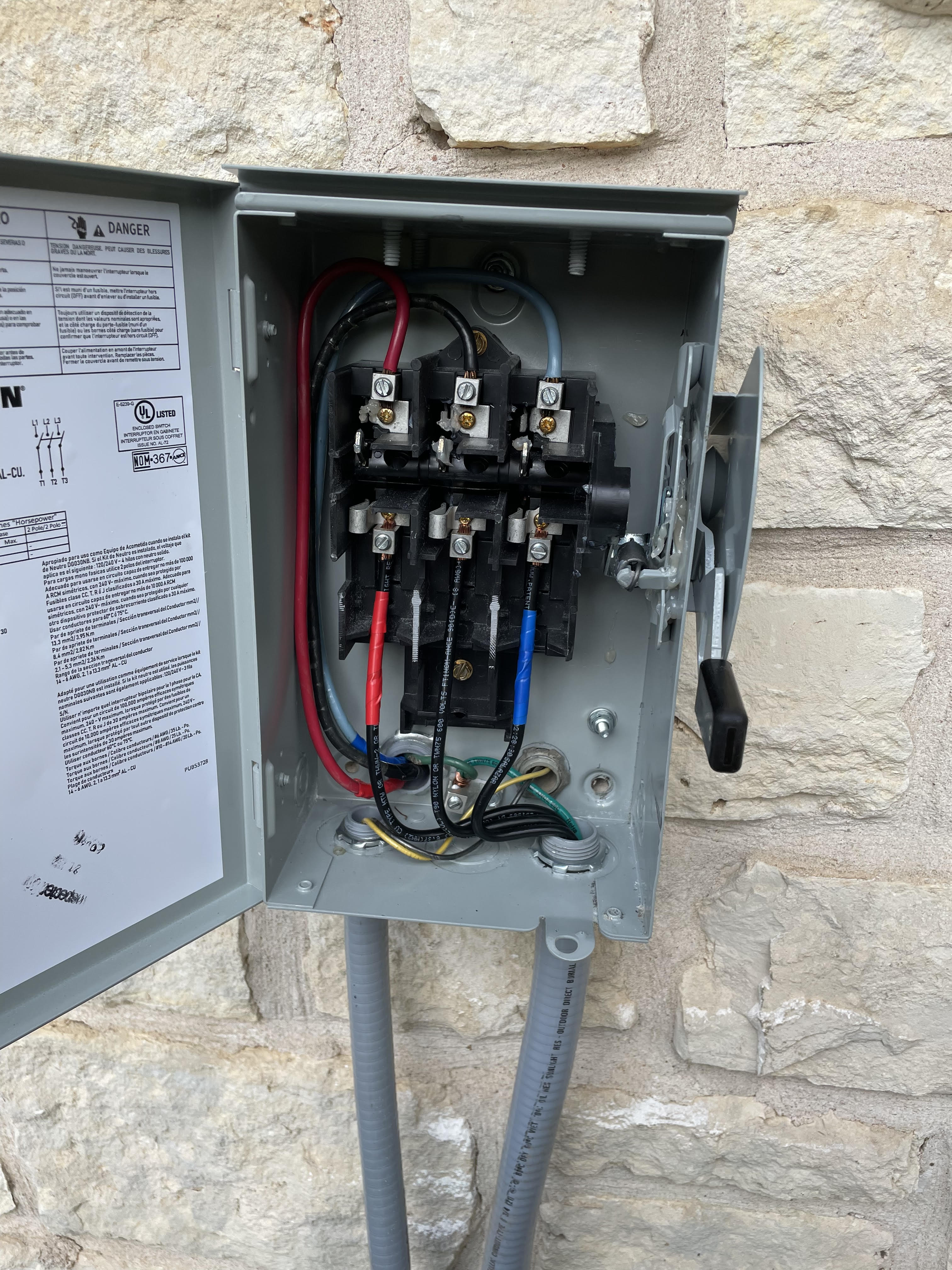
Complete Guide to Home EV Charger Installation in Austin

Everything you need to know about installing a Level 2 EV charger at your Austin home, from electrical requirements to permits and costs.
8 min read

Why Install a Home EV Charger?

If you've recently purchased an electric vehicle or are considering one, a home Level 2 charger is one of the best investments you can make. While the standard 120V outlet (Level 1) that comes with most EVs works, it only adds about 3-5 miles of range per hour. A Level 2 charger (240V) adds 25-30 miles per hour, meaning you can fully charge overnight.

Electrical Requirements

Most Level 2 chargers require a dedicated 240V circuit, typically 40-50 amps. Before installation, we'll assess your electrical panel to ensure it has enough capacity. Many older Austin homes have 100-amp panels, which may need an upgrade to 200 amps to support EV charging plus your other electrical needs.

What About My Panel?

Here's a quick way to check: Look at your main breaker. If it says 100A and you already have central AC, an electric dryer, and an electric water heater, you might be at or near capacity. We can perform a load calculation to determine if you need an upgrade.

Permits in Austin

Yes, Austin requires permits for EV charger installation. The good news? We handle all permit applications and inspections. The permit ensures your installation is safe and up to code, protecting your home and your investment.

Cost Expectations

EV charger installation in Austin typically ranges from $500-$2,000, depending on:

  • Distance from your panel to the garage
  • Whether your panel needs an upgrade
  • The charger brand you choose
  • Conduit and wiring requirements

Popular Chargers We Install

We install all major brands including Tesla Wall Connector, ChargePoint Home Flex, Grizzl-E, JuiceBox, and Emporia. Each has different features - we can help you choose the right one for your needs.

Ready to charge at home? Get a free estimate for your EV charger installation.

Panels

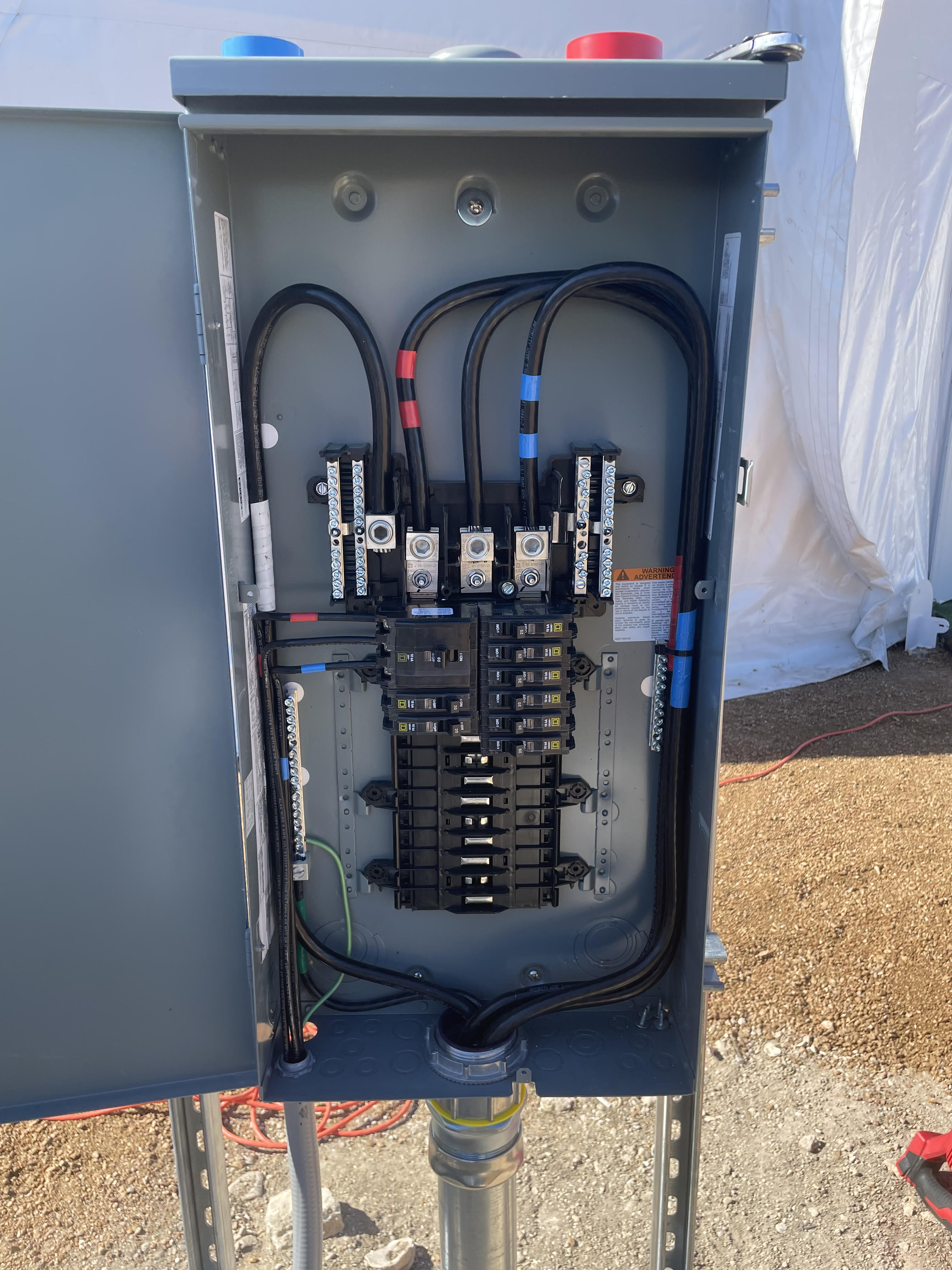
Do I Need a 200 Amp Panel Upgrade? Signs It's Time

Your electrical panel is the heart of your home's electrical system. Here's how to know when it's time for an upgrade.
6 min read

Signs Your Panel Needs an Upgrade

Many Austin homes built before 2000 have 100-amp or even 60-amp panels. These were adequate for the electrical demands of the time, but modern homes need more power. Here are signs you might need an upgrade:

  • Frequent breaker trips - If you're constantly resetting breakers, your panel is struggling
  • Flickering lights - When appliances turn on, lights shouldn't dim noticeably
  • Double-tapped breakers - Two wires on one breaker is a code violation and fire hazard
  • Planning additions - Adding an EV charger, hot tub, or shop requires more capacity
  • Fuse box - If you still have fuses instead of breakers, it's definitely time
  • Warm panel - Your panel should never feel warm to the touch

100 Amp vs 200 Amp: What's the Difference?

Think of it like water pressure. A 100-amp panel can deliver 100 amps of electricity at once. A 200-amp panel doubles that capacity. With modern homes running AC, multiple computers, EV chargers, and more - you need that extra capacity.

What Does a Panel Upgrade Involve?

A panel upgrade typically takes 4-8 hours and includes:

  • Coordinating with Austin Energy for temporary disconnect
  • Removing the old panel and meter base
  • Installing new 200-amp panel and meter base
  • Reconnecting all circuits
  • City inspection
  • Austin Energy reconnection

Cost in Austin

A 200-amp panel upgrade in Austin typically costs $1,500-$3,500. The variation depends on whether the meter base needs replacement, the condition of existing wiring, and accessibility.

Not sure if you need an upgrade? We offer free panel assessments.

Generators

Whole-Home Generators: What Austin Homeowners Need to Know

After Winter Storm Uri, many Texans learned the importance of backup power. Here's what you need to know about whole-home generators.
7 min read

Why Consider a Whole-Home Generator?

Texas weather is unpredictable. From ice storms to summer heat waves causing rolling blackouts, power outages happen. A whole-home standby generator automatically kicks on within seconds of losing power, keeping your lights on, food cold, and family comfortable.

Standby vs Portable Generators

Portable generators are less expensive ($500-$2,000) but require manual setup, can't power your whole home, and need to be refueled regularly. They also can't be used indoors due to carbon monoxide.

Standby generators are permanently installed, start automatically, run on natural gas or propane (no refueling), and can power your entire home. They're more expensive but provide true peace of mind.

What Size Generator Do I Need?

Generator size is measured in kilowatts (kW). Here's a general guide:

  • 10-12 kW - Essential circuits only (fridge, lights, some outlets)
  • 16-20 kW - Most of home including AC (for homes up to 2,500 sq ft)
  • 22-26 kW - Whole home including large AC units (larger homes)

Generac vs Kohler

Both are excellent brands. Generac is the market leader with the widest dealer network and parts availability. Kohler is known for commercial-grade quality and quieter operation. We install both and can help you choose based on your specific needs.

Installation Process

A typical installation takes 1-2 days and includes:

  • Concrete pad installation
  • Generator placement and leveling
  • Automatic transfer switch installation
  • Gas line connection (by licensed plumber)
  • Electrical connections
  • Testing and homeowner walkthrough

Cost Expectations

Whole-home generator installation in Austin typically ranges from $5,000-$15,000 depending on size and installation complexity. This includes the generator, transfer switch, pad, permits, and labor.

Want backup power peace of mind? Get a free generator consultation.

Safety

7 Warning Signs of Electrical Problems in Your Home

Don't ignore these red flags. Electrical problems can lead to fires if left unaddressed. Here's what to watch for.
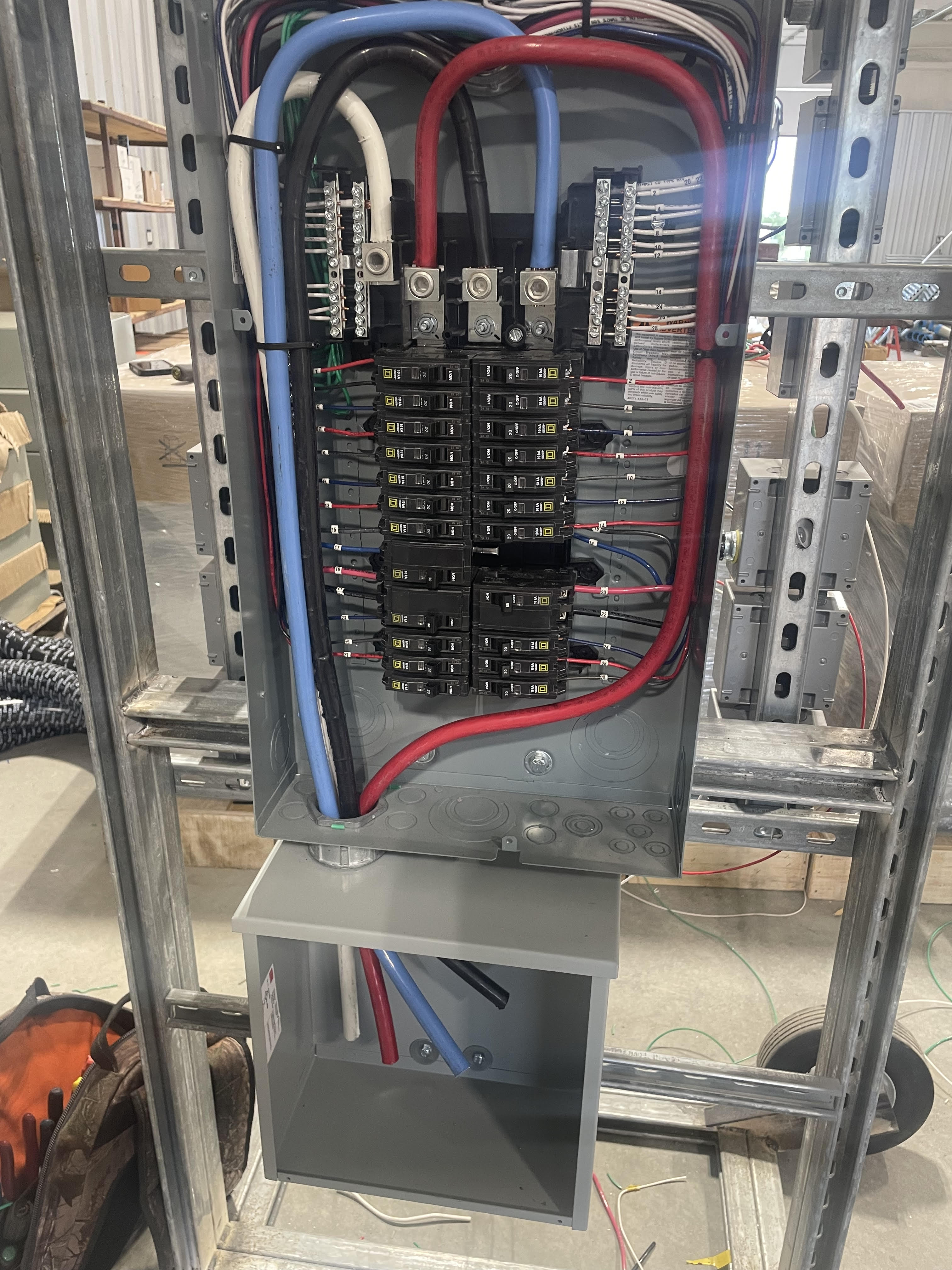
5 min read

Warning Signs You Shouldn't Ignore

1. Flickering or Dimming Lights

Occasional flickering when large appliances turn on is normal. But if lights flicker regularly or dim significantly, you may have loose connections, overloaded circuits, or problems with your electrical service.

2. Burning Smell or Scorch Marks

This is an emergency. If you smell burning plastic or see scorch marks around outlets, turn off power at the breaker and call an electrician immediately. This indicates overheating that can cause fires.

3. Warm or Hot Outlets

Outlets should never feel warm to the touch. Warmth indicates loose connections or wiring problems. Dimmer switches can feel slightly warm, but regular outlets should not.

4. Frequent Circuit Breaker Trips

Breakers trip to protect your home from overloads. If a breaker trips once, it's doing its job. If it trips repeatedly, you either have too much on one circuit or there's a fault that needs investigation.

5. Buzzing or Humming Sounds

Electricity should be silent. Buzzing from outlets, switches, or your panel indicates loose connections or faulty wiring. Don't ignore it.

6. Sparks When Plugging In

A small blue spark when plugging something in is normal (that's just the electricity connecting). But large sparks, yellow or white sparks, or sparks accompanied by a burning smell indicate a problem.

7. Two-Prong Outlets

If your home still has two-prong outlets, it likely lacks proper grounding. This isn't an immediate emergency, but it's a safety concern that should be addressed, especially in kitchens and bathrooms.

What To Do

If you notice any of these signs, don't delay. Electrical problems don't fix themselves and often get worse. A licensed electrician can diagnose the issue and make repairs before it becomes dangerous.

Concerned about your home's electrical safety? Schedule an inspection today.

Quick Tips

10 Quick Electrical Tips Every Austin Homeowner Should Know

Simple tips to keep your home safe and your electrical system running smoothly.
4 min read

Quick Tips for Homeowners

1. Test your GFCIs monthly. Press the "test" button on GFCI outlets in bathrooms, kitchens, and outdoors. They should trip immediately. Press "reset" to restore power.

2. Know your panel. Label your breakers clearly. In an emergency, you need to know which breaker controls what.

3. Don't overload outlets. One outlet, one power strip. Daisy-chaining power strips is a fire hazard.

4. Replace damaged cords immediately. Frayed or cracked cords are a shock and fire hazard. Don't tape them - replace them.

5. Keep your panel accessible. Don't store items in front of your electrical panel. You need quick access in emergencies.

6. Use the right bulb wattage. Check the fixture's maximum wattage rating. Using a bulb that's too powerful generates excess heat.

7. Unplug small appliances. Toasters, coffee makers, and similar appliances should be unplugged when not in use. It saves energy and reduces fire risk.

8. Install surge protectors. Texas thunderstorms cause power surges. Protect your expensive electronics with quality surge protectors, or better yet, a whole-home surge protector.

9. Replace smoke detector batteries. Do it twice a year when you change your clocks. Smoke detectors save lives.

10. Call a professional for the big stuff. DIY is great for many things, but electrical work isn't one of them. Improper electrical work can cause fires, void insurance, and is illegal without a permit.

Have electrical questions? We're happy to help.

Smart Home

Smart Home Electrical: What Needs Professional Installation?

Some smart home devices are DIY-friendly, others need a licensed electrician. Here's how to know the difference.

5 min read

DIY-Friendly Smart Home Devices

These typically just plug in or replace existing devices:

  • Smart plugs - Just plug them in
  • Smart bulbs - Screw them in like regular bulbs
  • Smart speakers - Plug and play
  • Video doorbells (battery) - Mount and connect to WiFi

Needs an Electrician

These involve electrical wiring:

  • Smart switches - Require neutral wire (many older homes don't have this)
  • Smart thermostats - May need a C-wire added
  • Hardwired video doorbells - Need proper transformer and wiring
  • Smart ceiling fans - Requires proper wiring and support
  • Whole-home automation panels - Definitely professional installation

The Neutral Wire Issue

Many smart switches require a neutral wire to work. Homes built before the 1980s often don't have neutral wires in switch boxes. We can add neutral wires or recommend switches that work without them.

Why Professional Installation Matters

Smart home devices that involve wiring need to be installed correctly to work properly and safely. Improper installation can cause:

  • Devices that don't work reliably
  • Flickering lights
  • Damage to the smart device
  • Fire hazards from improper connections

Ready to make your home smarter? Get expert smart home installation.

Have an Electrical Question?

Our team is happy to help. Get expert advice from Austin's trusted electricians.

(512) 678-8678